Why Modernization Matters
Government should make it easy for people to access the services they need.
Dear Wisconsin,
When I became Wisconsin's Secretary of State, many of the office's services relied on outdated, paper-based processes that made it harder than necessary for Wisconsinites to interact with their government. Customers often had to mail documents, make payments by check, or visit our office in person. Public records that should have been easy to access remained undigitized, and many services simply
hadn't kept pace with today's technology.
Over the past several years,
we've worked to change that.
Modernization
isn't about technology for technology's sake.
It's about making government work better for the people who rely on it every day.
Whether you're a family completing an international adoption, a student studying abroad, a Wisconsin business operating overseas, an attorney handling legal documents, a researcher exploring Wisconsin's history, or a local government official accessing public records, you deserve services that are accessible, transparent, and secure.
That's why
we've expanded online services, digitized thousands of official records, strengthened document security, reduced processing times, and made it easier to access the services our office provides.
The result is a Secretary of State's Office that better meets people where they are today while continuing to protect the integrity of Wisconsin's official records.
While much of the foundational modernization work is complete, our commitment to improving service is ongoing. We will continue looking for practical ways to strengthen accessibility, increase transparency, enhance security, and meet the evolving needs of the people of Wisconsin.
The details below highlight the improvements
we've made, the services
we've modernized, and how these efforts are making government more accessible, transparent, and secure for the people of Wisconsin.
Thank you for
visiting, and thank you for the opportunity to serve as your Secretary of State.
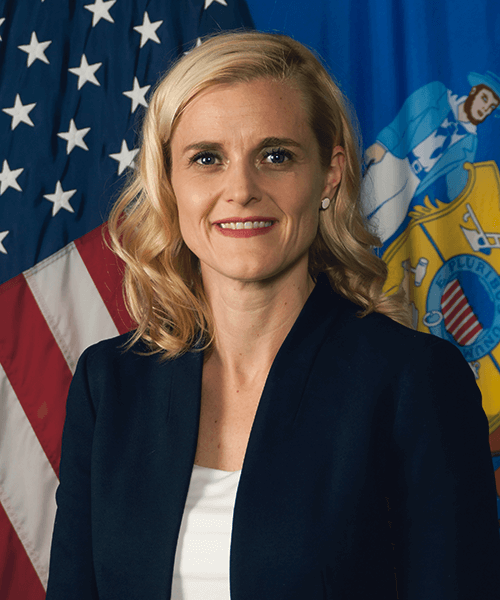
Sarah Godlewski
Wisconsin Secretary of State
Modernization Principles
The
modernization effort has been guided by three simple principles.
Government should meet people where they are.
Whether someone lives across the street from our office or across the world conducting business on behalf of a Wisconsin business, they should be able to access our services quickly and easily.
We've expanded online services, simplified processes, accepted new payment methods, and reduced unnecessary barriers so people can spend less time navigating government and more time focusing on what matters.
Open government builds public trust.
The Secretary of State serves as the keeper of many of Wisconsin's official records. By digitizing tens of thousands of records and expanding online public access,
we're making government information easier to find while preserving Wisconsin's history and
maintaining the integrity of official records.
Public confidence depends on secure government services.
Every modernization project has strengthened security—from secure online payments and
MyWisconsinID authentication to enhanced document verification and improved audit systems that protect Wisconsin's official records.
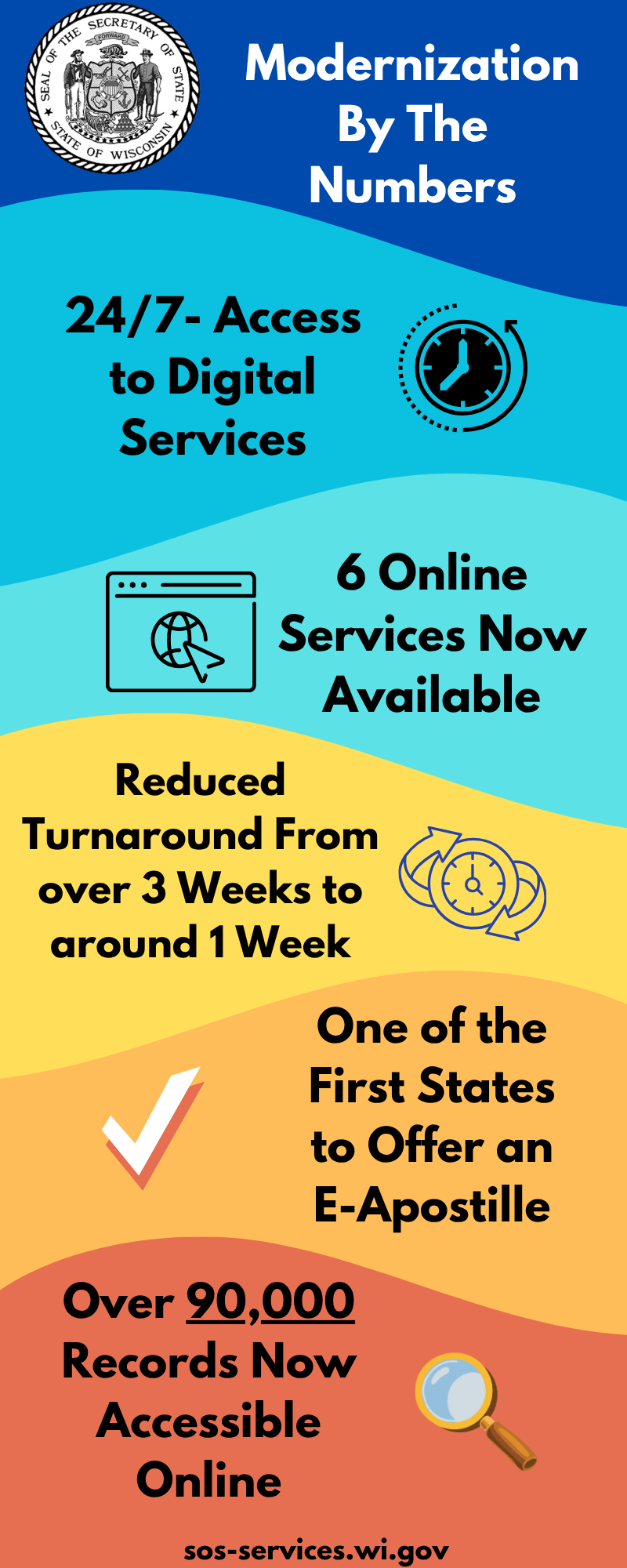
Modernization by the Numbers
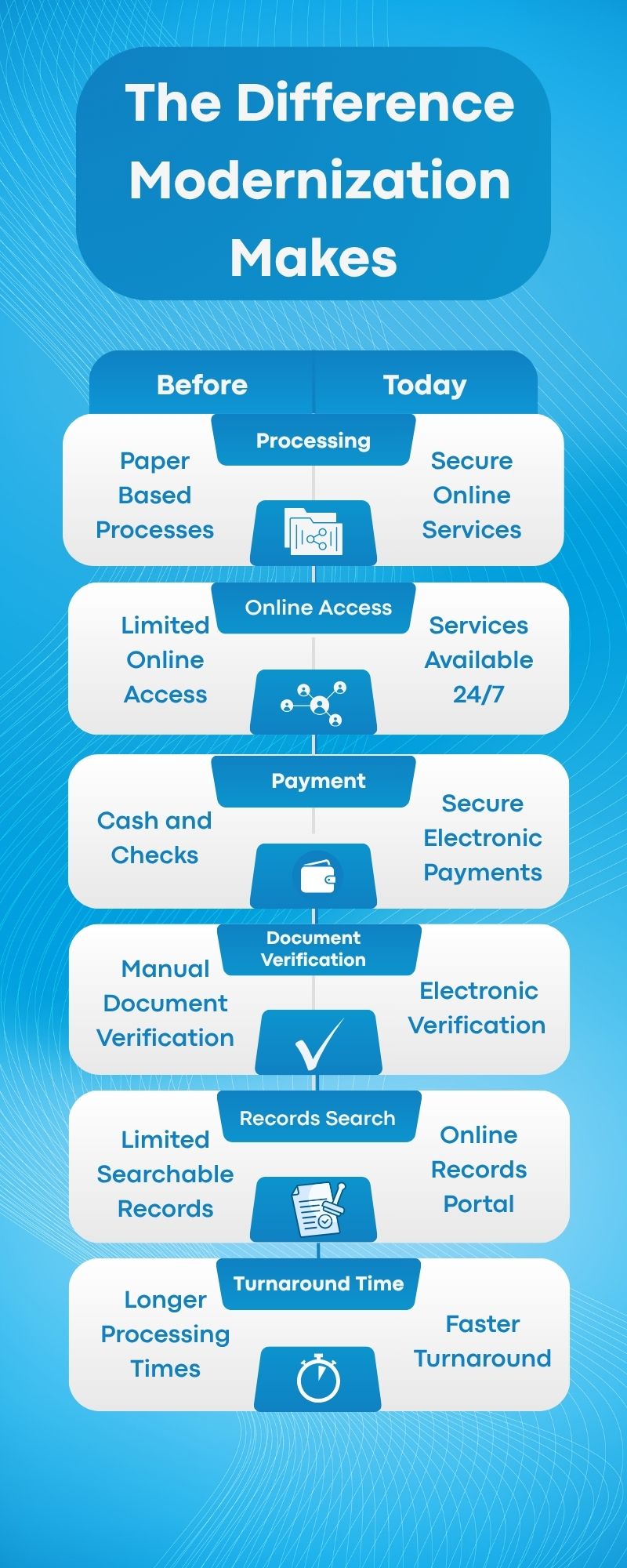
The Difference Modernization Makes
Continuing Our Commitment
The most significant modernization work is complete, but modernization itself is never finished.
Technology continues to evolve, and so do the expectations of the people we serve. Our office will continue improving services, expanding secure online tools, strengthening transparency, and
identifying new ways to meet Wisconsinites where they are and provide the services they need.
Our commitment
remains the same:
Deliver government that is more accessible, more transparent, and more secure for every Wisconsinite.